The place to share your photos as well as exchanging ideas, information, and discuss software and equipment
What do you want your photo to show ? Do you take photos for yourself or for others ?
Whilst many adjustments can be made in the camera itself, it isn't until you put it onto a computer or bigger screen that you can see it may not be quite as you want it. There may be too much background or the photo might be 'crooked' (how often have you seen a shot of a seascape where the horizon is going downhill ?!)
It is useful being able to crop a photo if you want to emphasise one aspect of your photo. For example in taking photos of horses jumping jumps, I wanted to show the horse in action rather than show a nice landscape with a small horse in the background.
Here are 2 photos (not mine) where I have cropped the original and straightened it to home in on the horse and rider :
Before
After
Improving a photo
-
Blaze

- Posts: 5426
- Joined: Mon Jul 12, 2021 9:06 pm
- Location: Ille et Villaine (35)
-
niemeyjt
- Posts: 4920
- Joined: Mon Jul 12, 2021 6:34 pm
Improving a photo
For all us cheapskates there is a free program called GIMP - https://www.gimp.org/
It offers good image manipulation capabilities - maybe not quite as easy as Adobe Photoshop or DXO to use - but there are several Youtube trainings out there also to start your learning process.
It offers good image manipulation capabilities - maybe not quite as easy as Adobe Photoshop or DXO to use - but there are several Youtube trainings out there also to start your learning process.
-
elsie
- Posts: 773
- Joined: Tue Jul 13, 2021 11:11 am
Improving a photo
For really quick edits of that sort (and as a quick image organiser and viewer), I still use Picasa https://picasa.en.softonic.com/ The last release was in 2015 but it still works with Win10
-
Blaze
- Posts: 5426
- Joined: Mon Jul 12, 2021 9:06 pm
- Location: Ille et Villaine (35)
Improving a photo
Mac has its own photo handler "Photos" formerly "iPhoto" which is ideal for quick edits.
@niemeyjt I have GIMP too and find the latest version more complicated than the older one ! And I agree it isn't nearly as easy to use as PS !!
@niemeyjt I have GIMP too and find the latest version more complicated than the older one ! And I agree it isn't nearly as easy to use as PS !!
-
Blaze
- Posts: 5426
- Joined: Mon Jul 12, 2021 9:06 pm
- Location: Ille et Villaine (35)
Improving a photo
Here's an example of what I see a lot of on Facebook and on internet : the horizon goes downhill instead of being horizontal 
I remember doing the same thing when I first started taking an interest in photography and not noticing it until someone kindly pointed it out, for which I am extremely grateful !!
and straightened :
I remember doing the same thing when I first started taking an interest in photography and not noticing it until someone kindly pointed it out, for which I am extremely grateful !!
and straightened :
You do not have the required permissions to view the files attached to this post.
-
Liz

- Posts: 938
- Joined: Thu Aug 05, 2021 7:41 am
- Location: SW France
Improving a photo
Ditto, Blaze re the sea horizon!
How do people live without at least one dog in the house?
-
rockfish
- Posts: 72
- Joined: Tue Jul 13, 2021 7:56 am
- Location: Saone et Loire
- Contact:
-
Char

- Site Admin
- Posts: 2951
- Joined: Mon Jul 19, 2021 1:24 pm
- Location: Creuse
Improving a photo
My seas always used to look like they're flowing out of the picture as well. 
It can be very annoying when you've taken what you think is a really nice landscape, only to find when you straighten the horizon you've lost the best bits of the photo.
It can be very annoying when you've taken what you think is a really nice landscape, only to find when you straighten the horizon you've lost the best bits of the photo.
-
Char
- Site Admin
- Posts: 2951
- Joined: Mon Jul 19, 2021 1:24 pm
- Location: Creuse
Improving a photo
I don't know whether you could class this as improving a photo - but on that special occasion when you think you've got a nice photo you can make more than one picture from it.


-
RobertArthur

- Posts: 2641
- Joined: Sat Jul 17, 2021 3:10 pm
- Location: Nièvre
Improving a photo
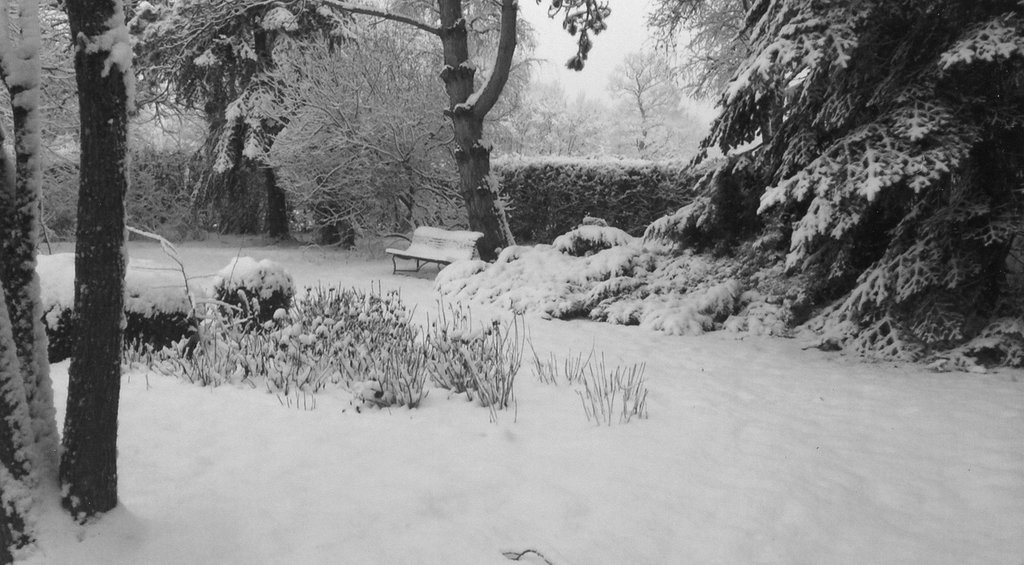
Char, sometimes it is not easy to make colour pictures, whatever I have tried that day, deep down in the snow and menu settings, black and white was the outcome. Now searching for the menu item: convert black and white image in colour...